Hold. Talk.
It's noted.
Take a photo, press on the problem and say what's wrong. PunchMe pins your note to that exact spot, writes it out and names it. Punch lists and reports for the job, in seconds.
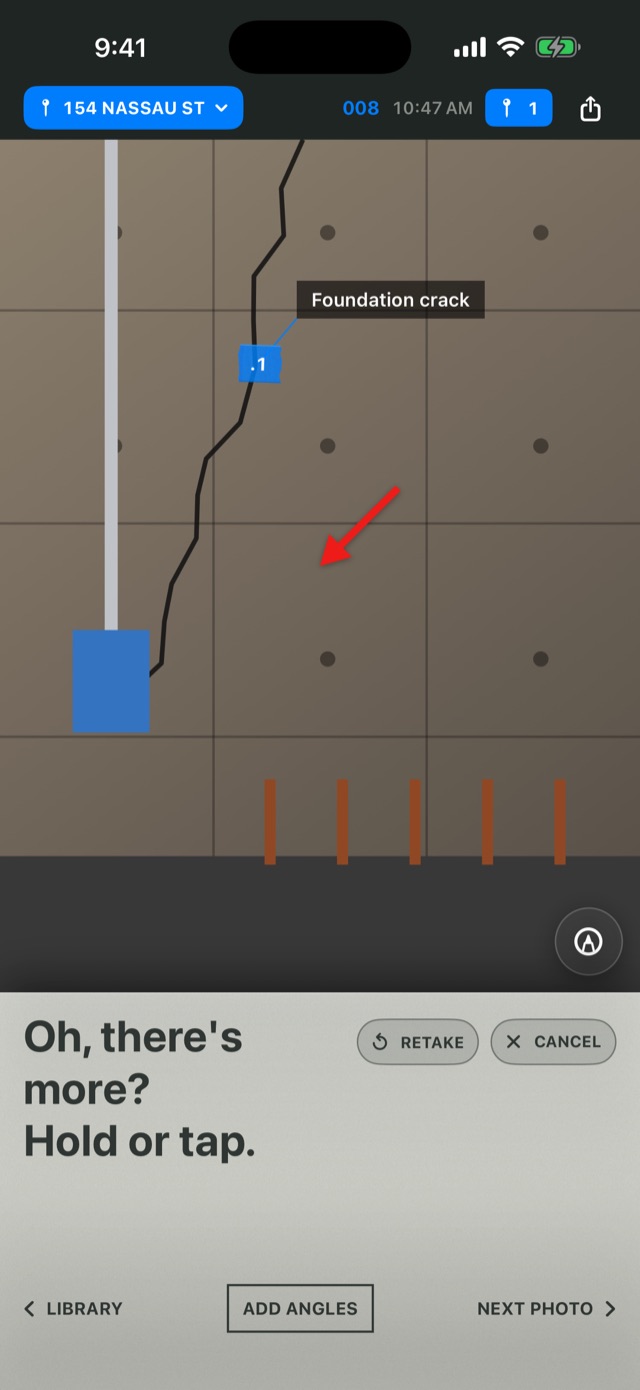
Three moves. No typing in the mud.
Built for the walkthrough, when you've got a phone in one hand and something else in the other.
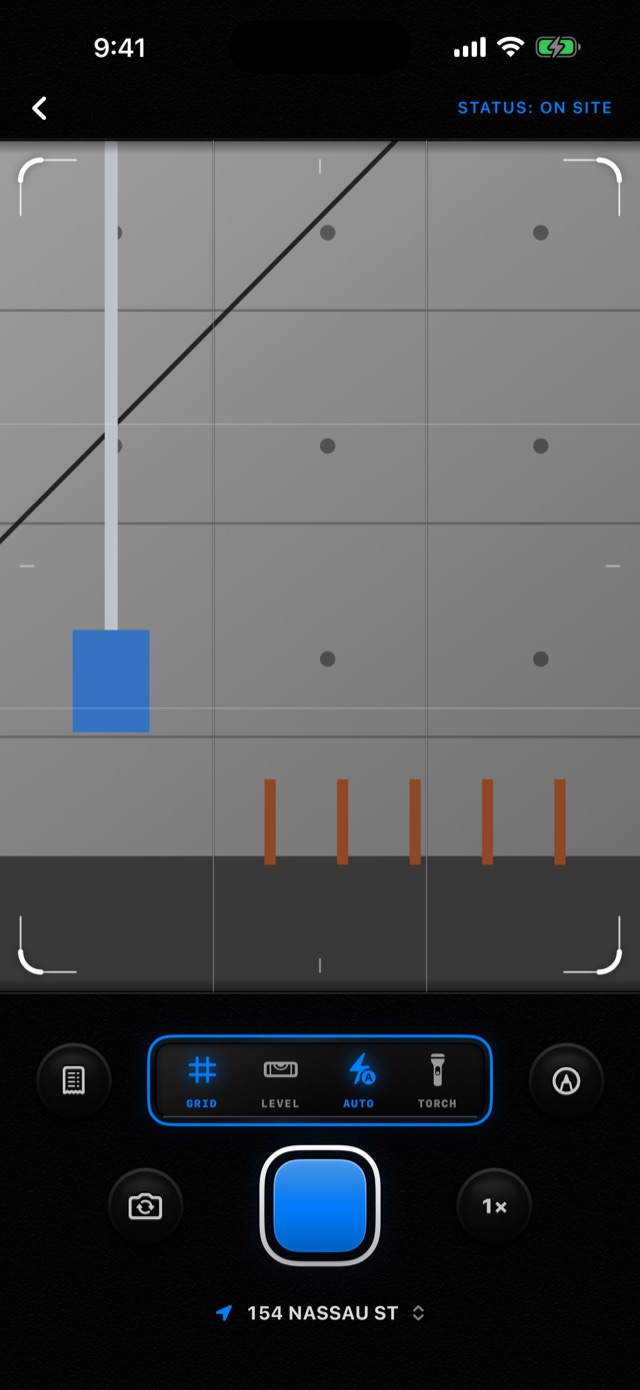
Shoot it
Take the photo. It files itself into the job you're standing on.
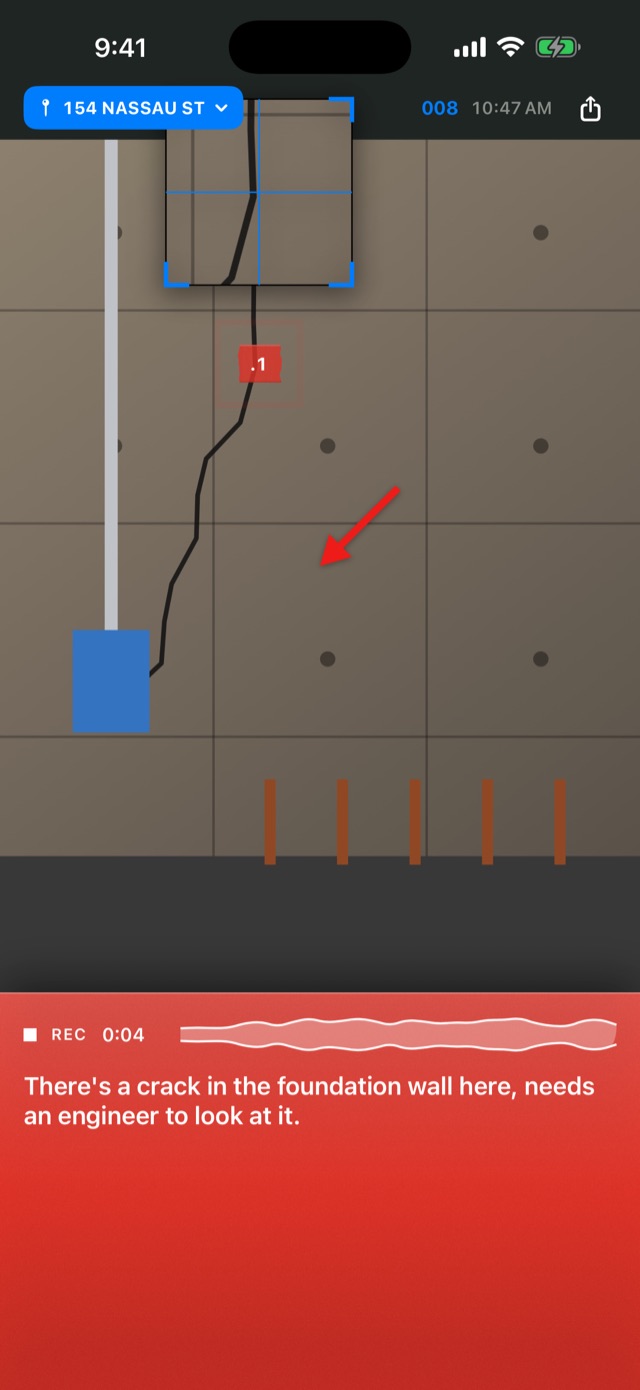
Say what's wrong
Hold on the problem and talk. Let go, and the note is pinned, written out and named.
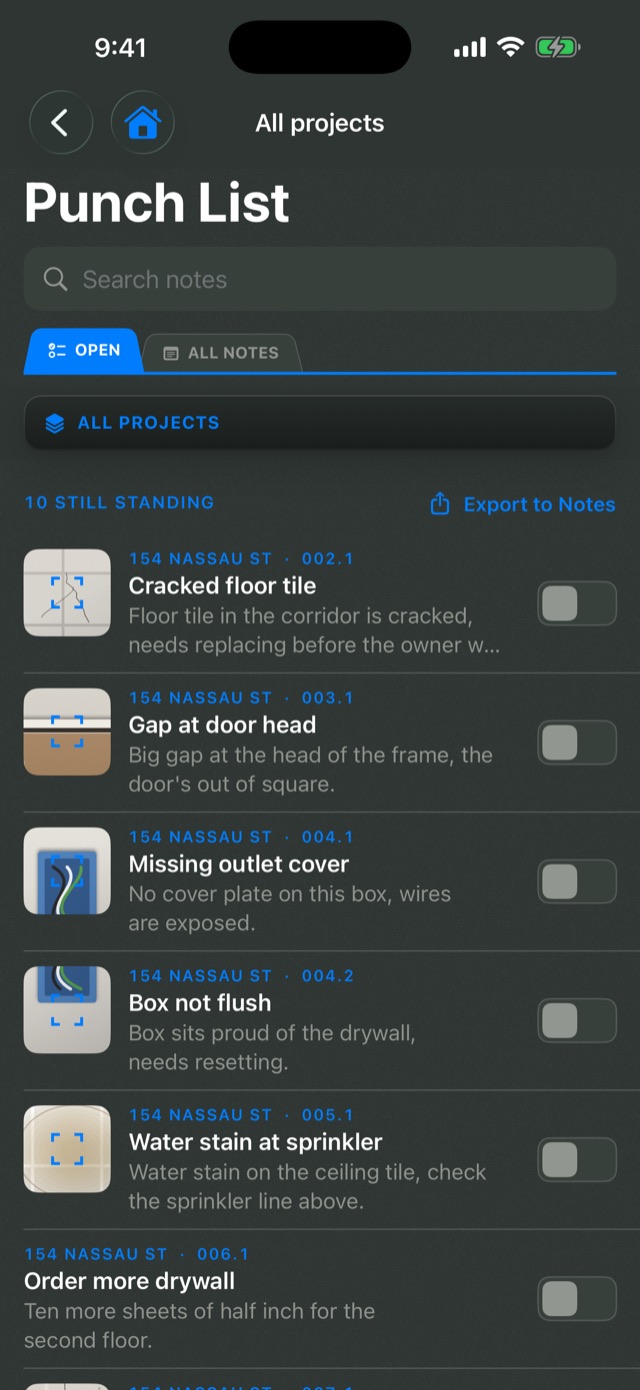
Knock it out
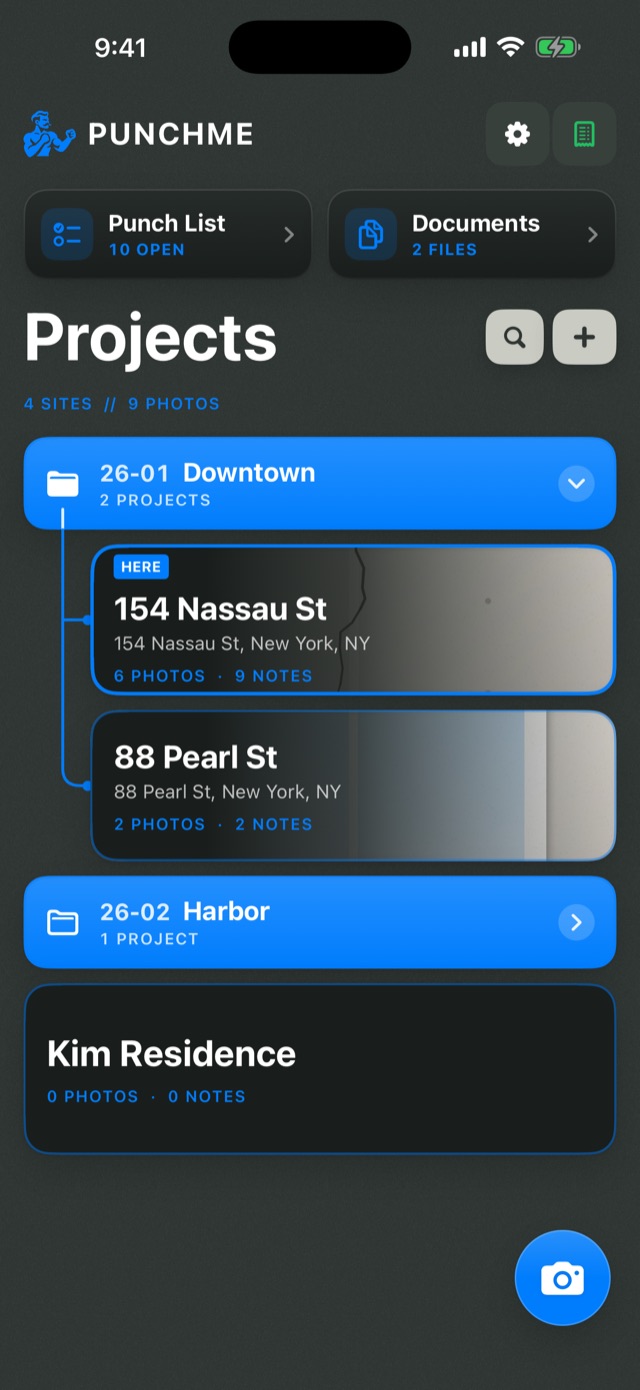
Every open note lands on the punch list. Check items off as they're fixed.
Everything for the punch, in your pocket.
One app for the photos, the notes, the list and the paperwork that follows.
Voice notes on the spot
Hold and talk to drop a note right where the issue is, or tap to type. Mark the shot with circles, arrows and outlines.
Jobs that file themselves
Set a site on the map, or draw its outline. Every photo you take there goes into that project.
Numbered punch lists
Every photo and note gets a number, like 007.2, so the whole crew can point at the same item.
Reports in one tap
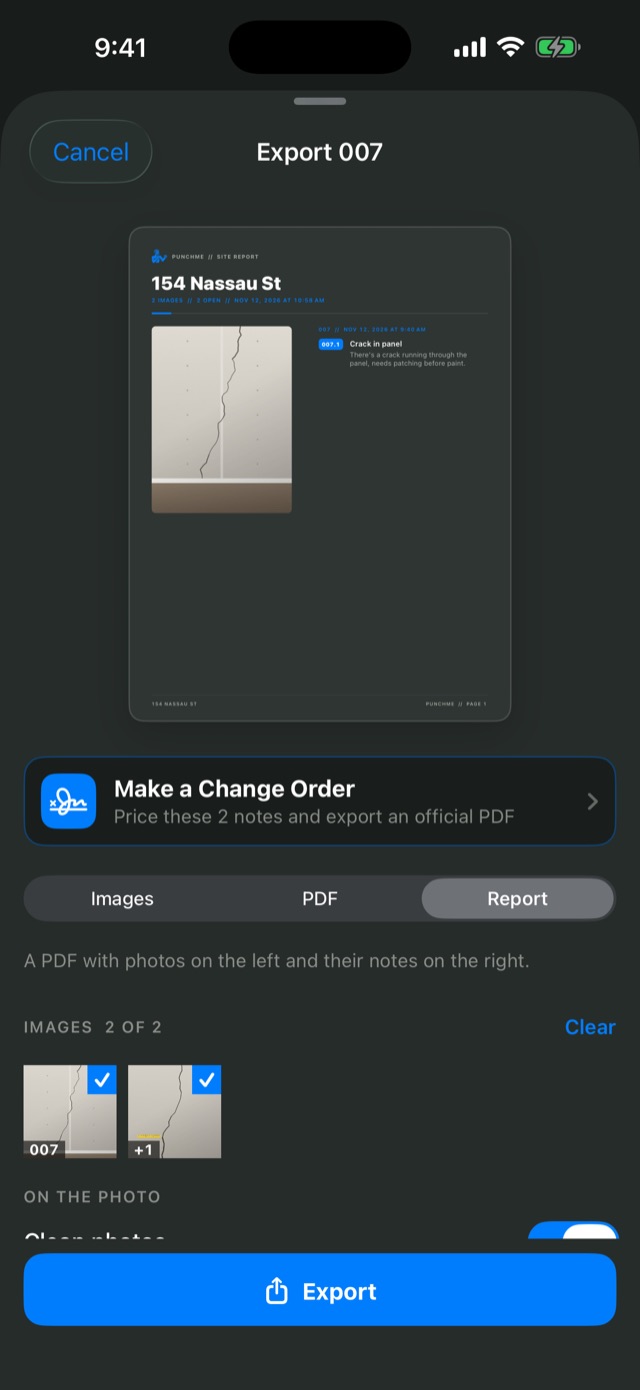
Export marked-up photos as images, a PDF, or a full project report with photos and notes side by side.
Plans and documents
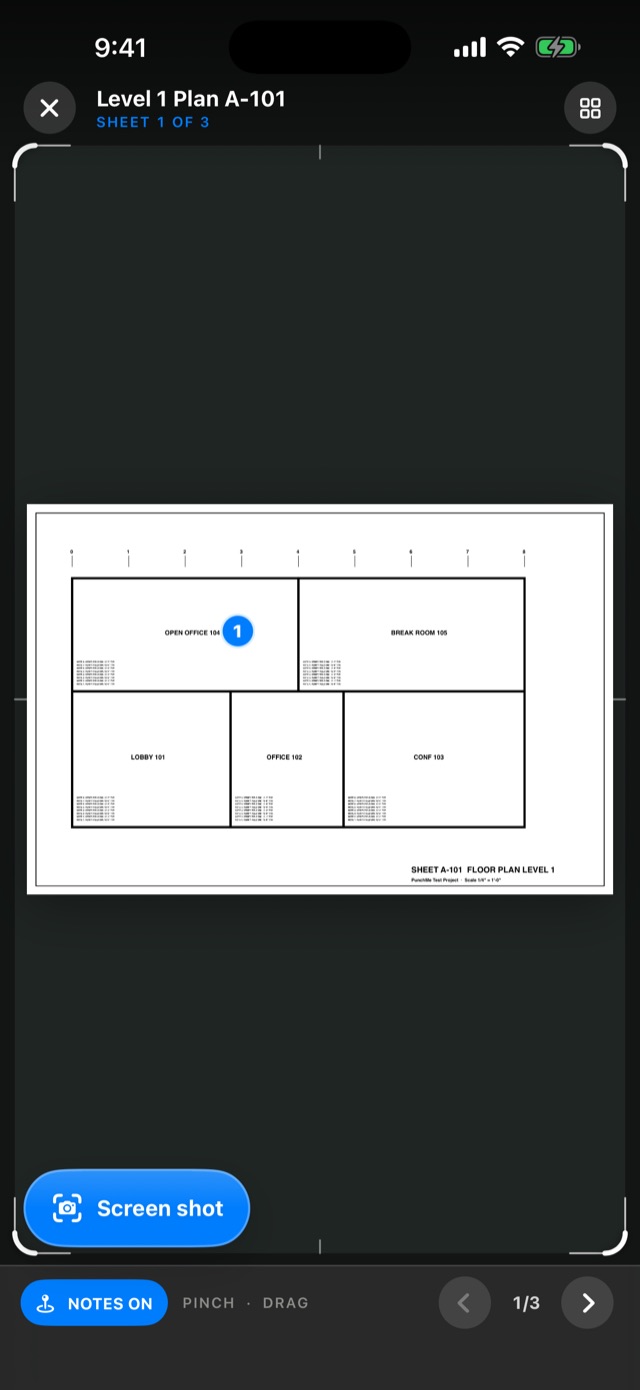
Keep plan sets, specs and meeting notes with the job, and take photos from the plans so every shot has a place.
Receipts and change orders
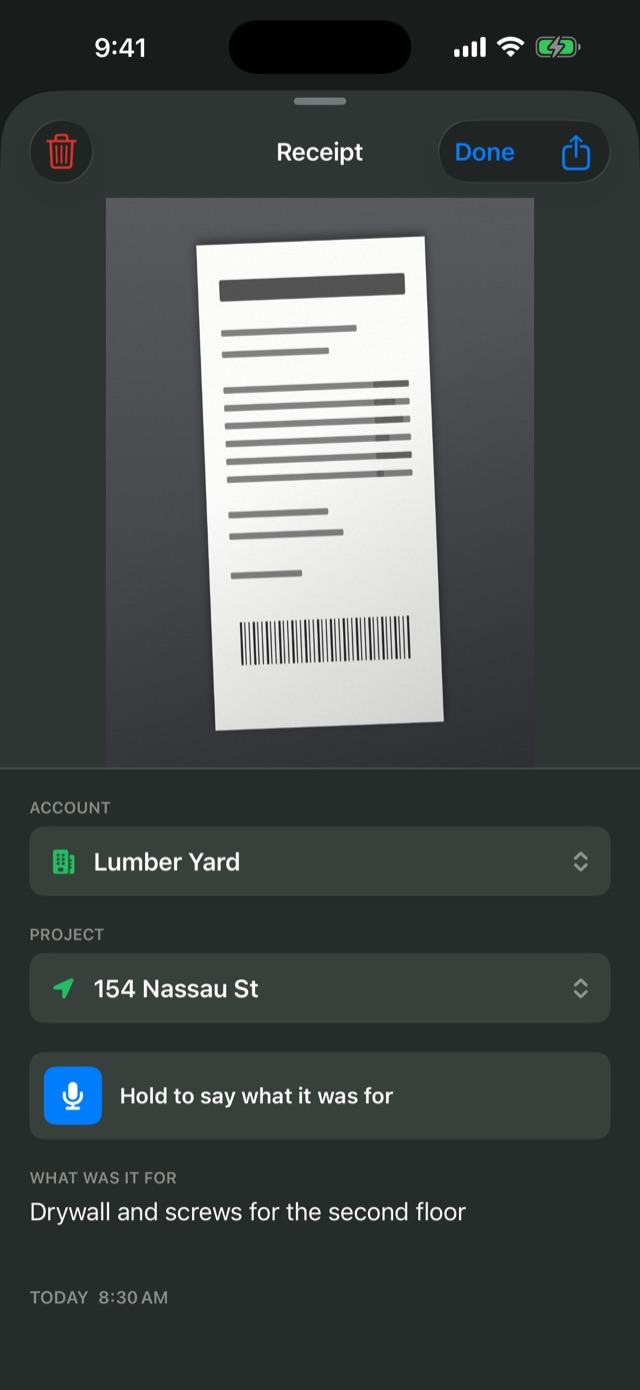
Receipt mode keeps receipts out of the photo feed. Build change orders with markup and tax, and send a branded PDF.
Made for the job site.
No account. No servers. No tracking.
Stays on your iPhone
Your photos and notes live in the app on your phone. PunchMe collects no data.
Works with no signal
Basements and new builds are fine. Voice notes are written out on the phone where supported.
No sign-in
Open it and start shooting. Nothing to set up, nothing to forget.
One plan. Everything in it.
- 7 days free for new subscribers
- Unlimited projects, photos and notes
- Punch lists, reports, plans, receipts and change orders
- Cancel any time in your iPhone's Settings
Payment is charged to your Apple Account. The subscription renews automatically each month unless cancelled at least 24 hours before the end of the period. Cancel during the free trial and you won't be charged. Prices may vary by country.
Good to know.
Which phones does PunchMe work on?
iPhone with iOS 17 or later. It also runs on iPad in iPhone mode.
Is there a free version?
No. New subscribers get 7 days free to try everything. Cancel during the trial and you won't be charged.
Where are my photos stored?
On your iPhone, inside PunchMe. Back up your phone with iCloud or your computer to keep them safe.
What happens to my photos if I cancel?
They stay on your phone. Subscribe again and they're all there.
Can my crew share projects?
Not yet. Team sharing is planned. For now, export reports, PDFs and photos to send to anyone.
More answers on the support page.